Menu bar
Start voice input while working on your project.
KLAUSI FOR MAC
Your workspace in its own app. With voice input, menu bar and your existing projects.
Version 0.3.29b · Apple Silicon · macOS 13.0+
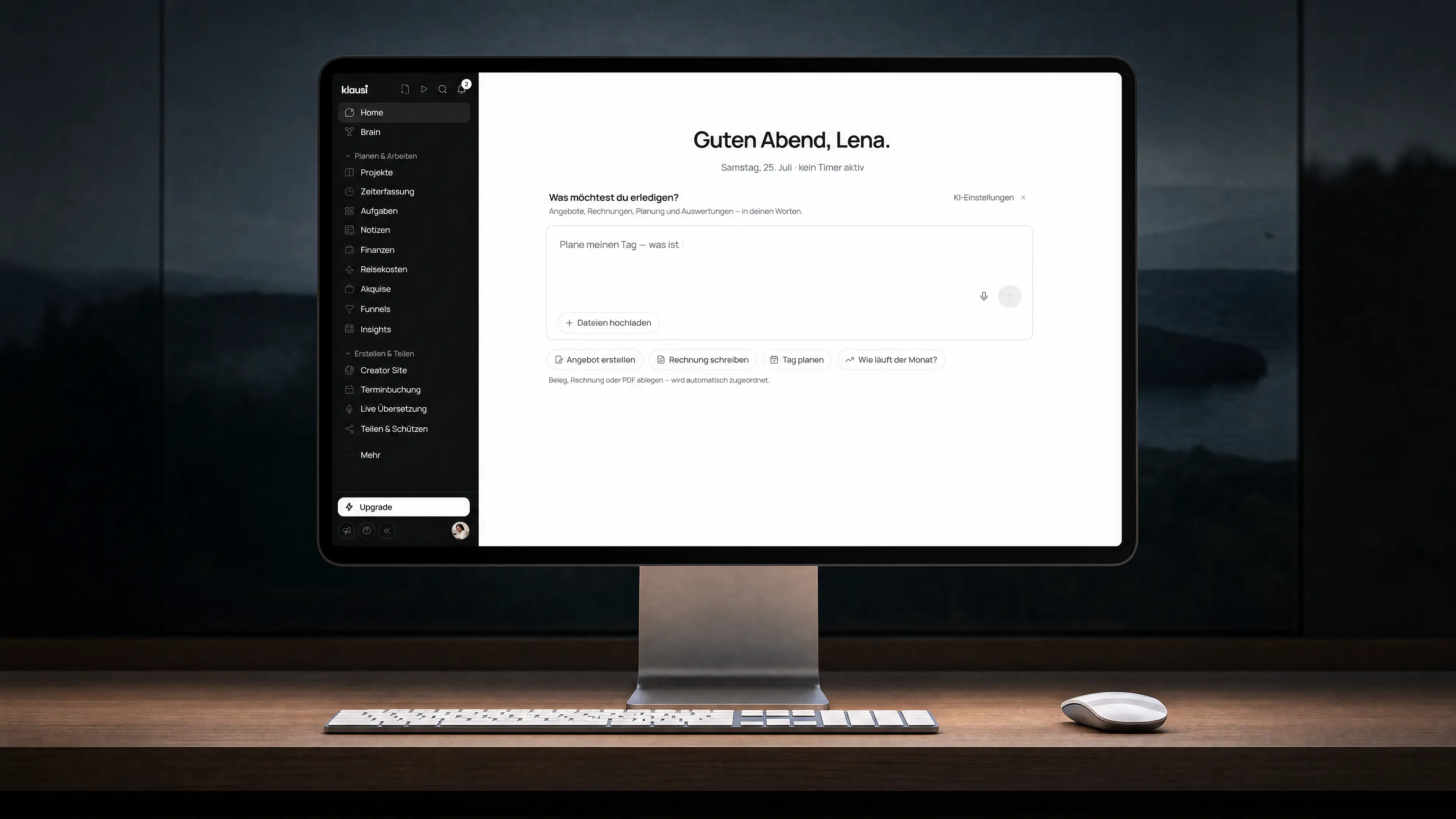
01 / DESKTOP-APP
Start voice input from the menu bar. Capture tasks and notes without finding the right tab first.
01 / SPEAK YOUR THOUGHT
VOICE INPUT · MAC
02 / CHECK THE SUGGESTION
NOTE · RELAUNCH Q2
EXAMPLE · Check the suggestion before saving.
02 / HOW IT WORKS
A clear process. Everything stays connected to your Klausi workspace.
Download Klausi for Apple Silicon with macOS 13 or later.
Open the DMG file and move Klausi into your Applications folder.
Sign in. Your existing workspace is already there.
03 / DESKTOP-APP
Klausi is always close in its own app. Voice input and meetings stay connected to your workspace.
Start voice input while working on your project.
Capture microphone and system audio. Your screen is not recorded.
Keep working with your projects, tasks and time entries.
Feature overview
Your workspace stays the same.
Your start
For Apple Silicon
macOS 13.0+
Sign in with your existing Klausi account.
Your projects, time entries and notes stay in the same workspace.
Privacy and hostingSigned by CLOCKKNOCK GmbH and notarized by Apple.
Klausi for Mac release notesiOS · coming
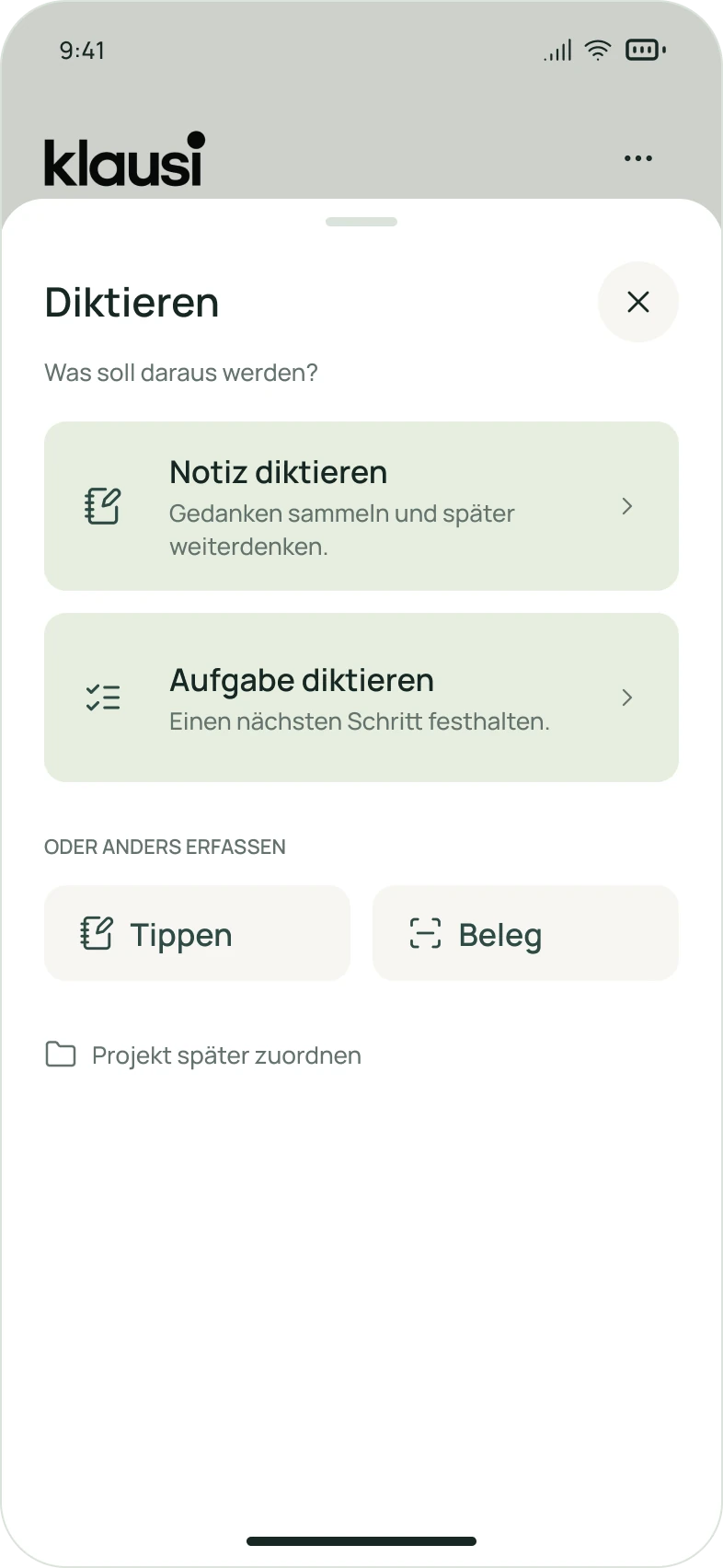
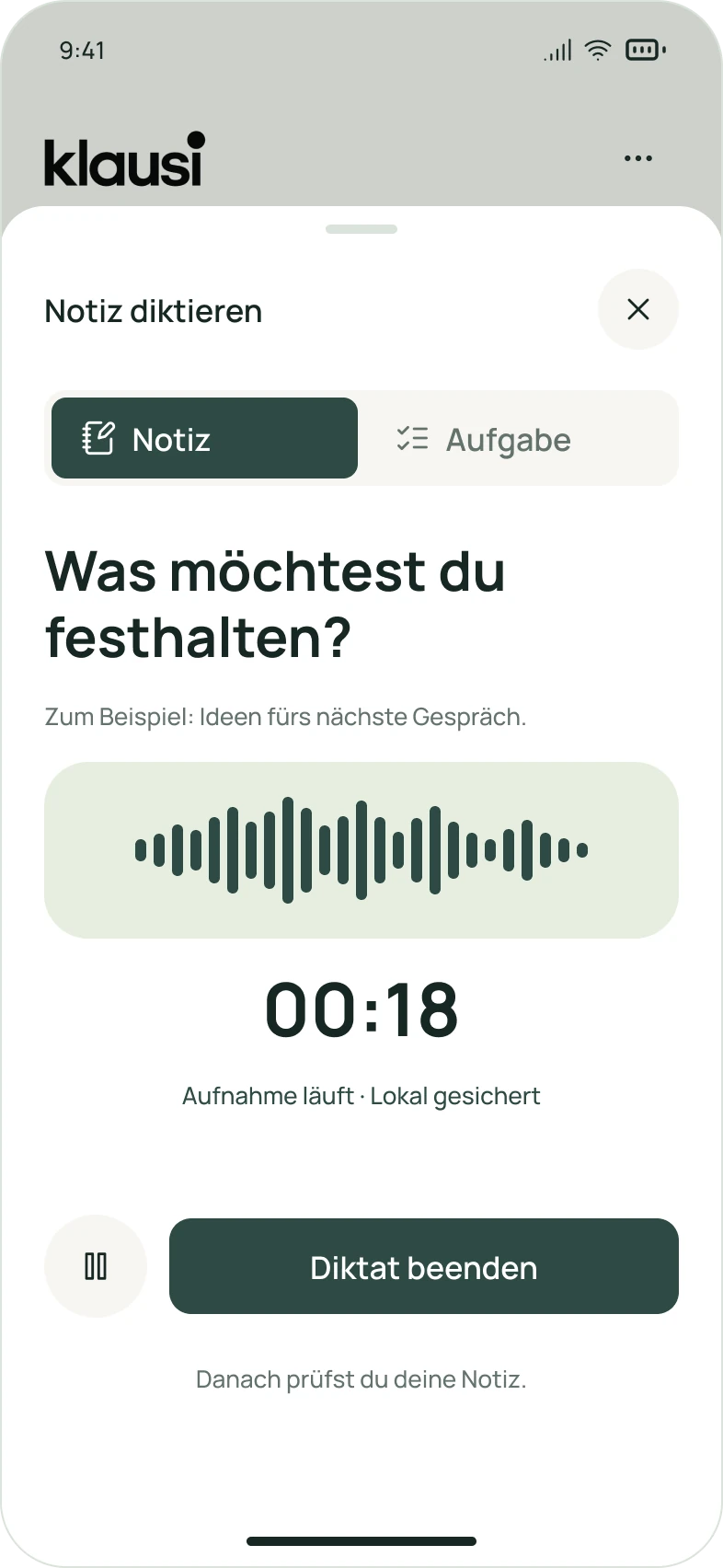
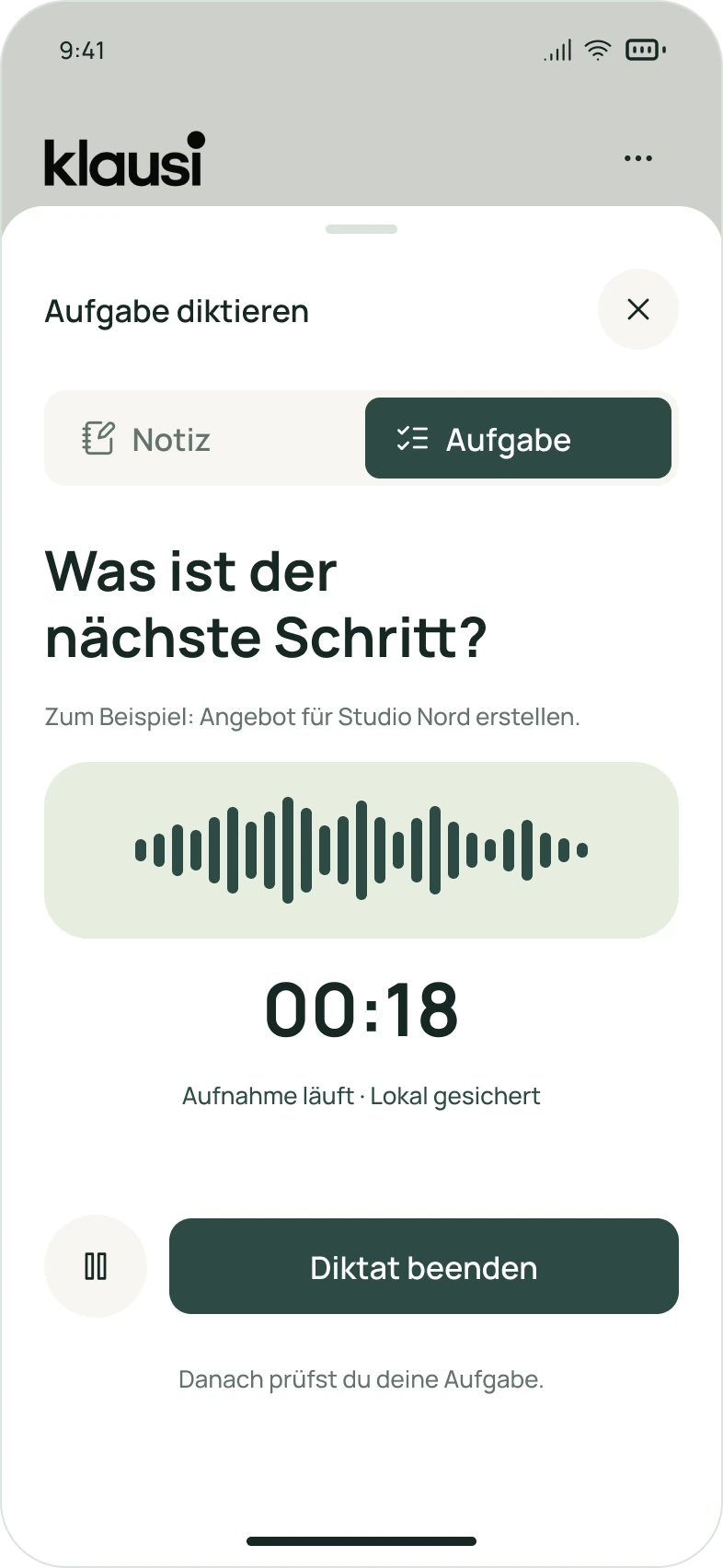
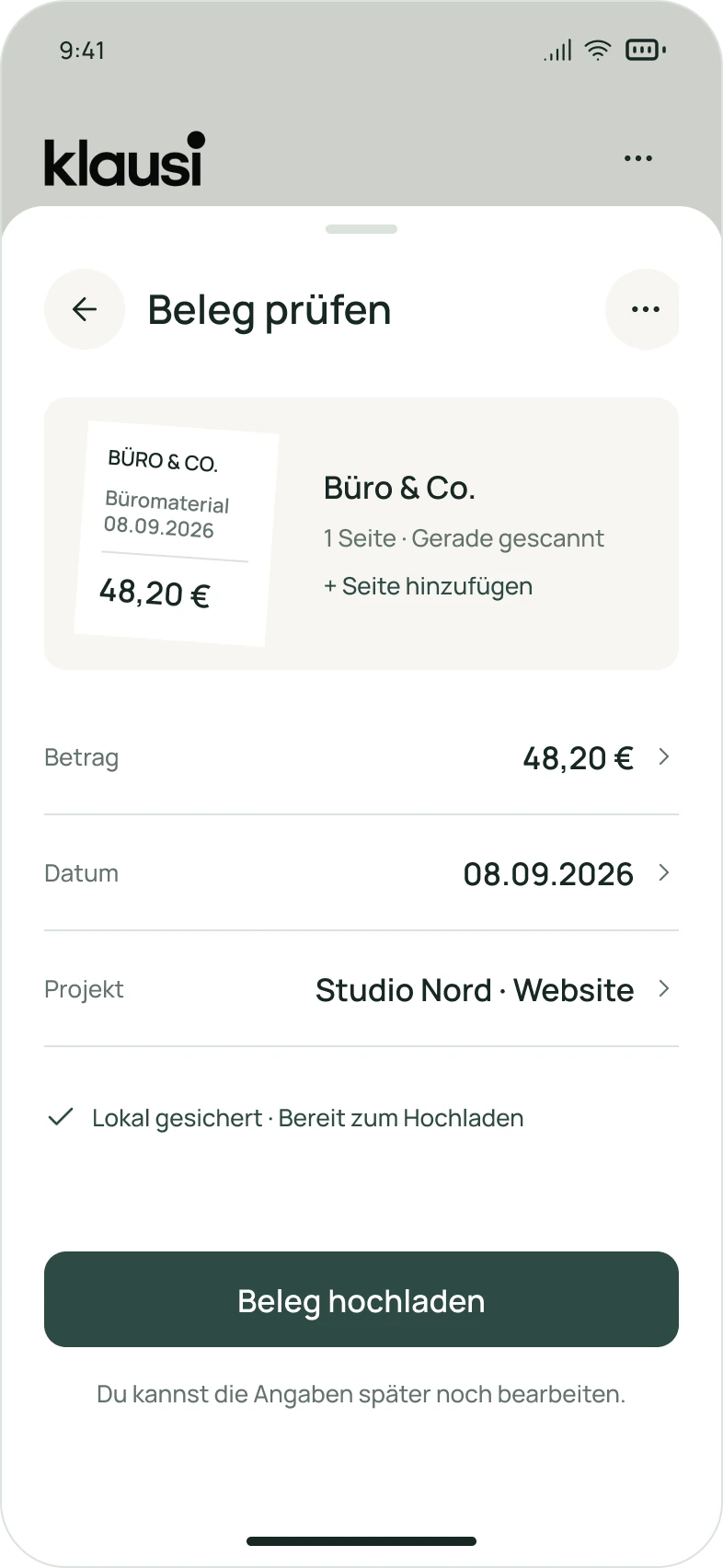
Your day at a glance. Thoughts as a note or task. Receipts close at hand. Explore the first designs for Klausi on iOS.
Not available yet.
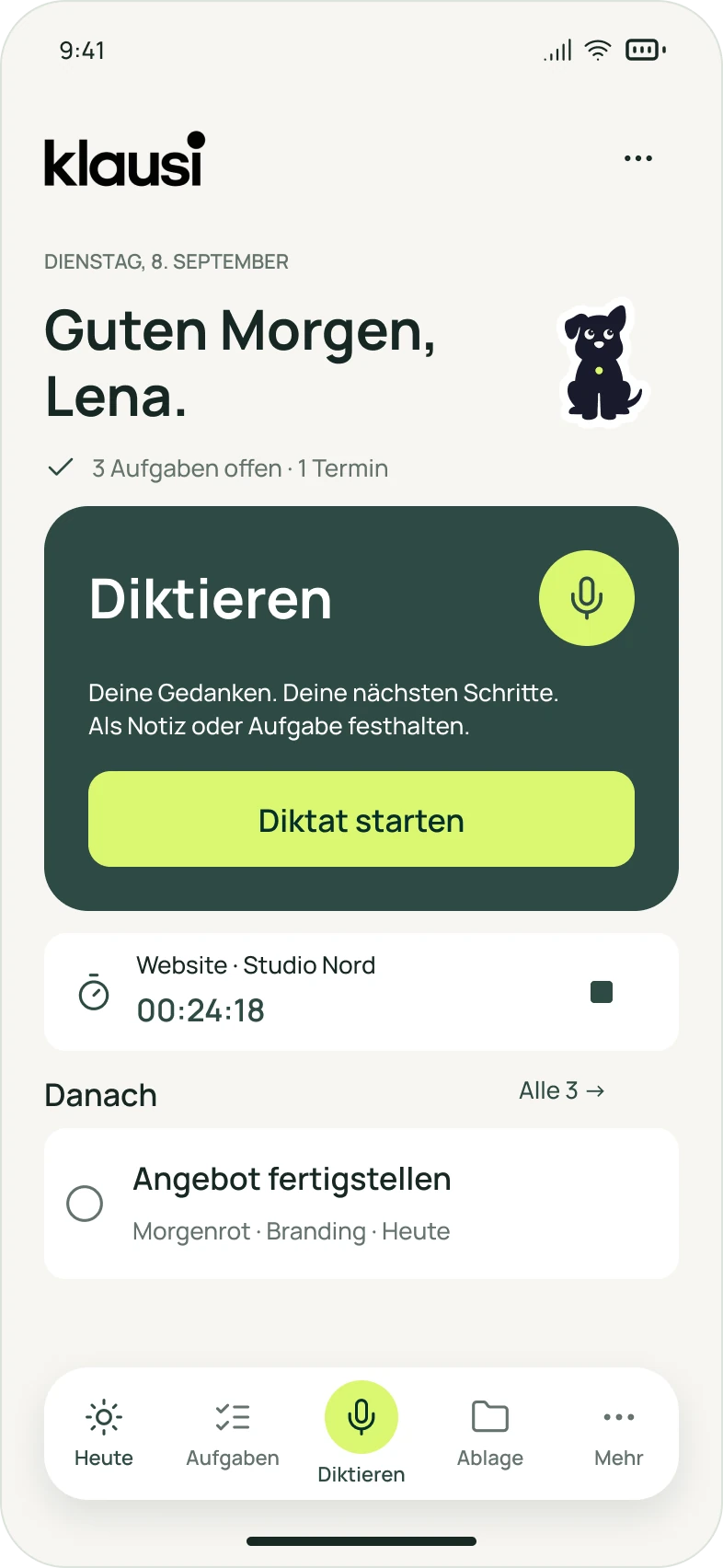
01 / 05 · Today
Today’s tasks, your running timer and the next step. All right in front of you.
Design preview · German interface
Download the desktop app and keep working in your existing workspace.
Apple Silicon · macOS 13.0+
Frequently asked questions
The current app requires a Mac with Apple Silicon and macOS 13.0 or later.
No. Sign in with your existing Klausi account and keep working in your current workspace.
No. Klausi captures microphone and system audio. No screen images are recorded.